Talk to Us: +1 (800) 614-1059
Data Migration Help for Easy Transfers
Keep Your Financial Records Organized and Up to Date
Spend less time managing books and more time running your business
Simplify your data migration with secure, organized transfer of business records while maintaining accuracy and minimizing disruption.
- Secure Data Transfer
- Accurate Financial Records
- Customer & Vendor Records
- Chart of Accounts
- Products & Services
- Invoices & Bills

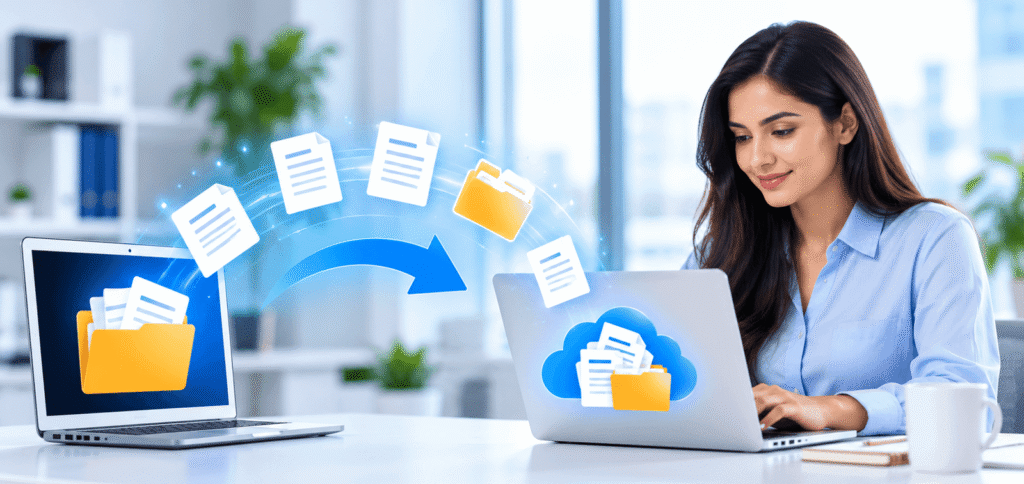
Data Migration Help for Easy Transfers
Keep Your Financial Records Organized and Up to Date
Simplify your data migration with secure, organized transfer of business records while maintaining accuracy and minimizing disruption.
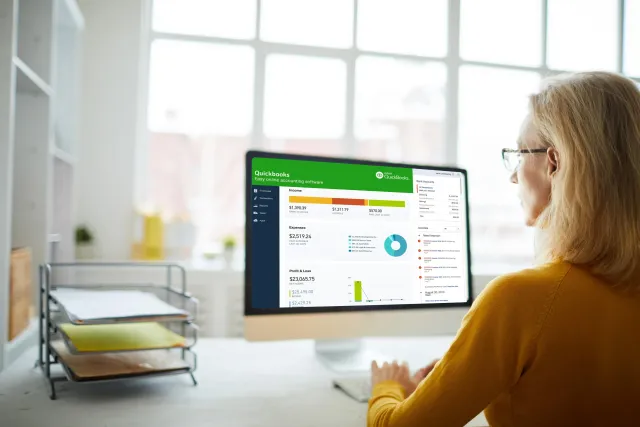
Support for Intuit QuickBooks Desktop & Online
Install & upgrades, company file repairs, payroll updates, bank feeds, printing and every tough error in between. Get a real specialist on the first try.
- Installation & Setup Support
- Same‑day fixes
- Secure remote help
- Payroll & Tax Support
- Secure remote guidance
- Clear, step-by-step fixes





Have questions on QuickBooks Payroll? Get free help now from a QuickBooks Expert. Call +1-800-614-1059
Disclaimer: We provide independent accounting and bookkeeping services for businesses. We are not affiliated with or endorsed by any third-party accounting software provider or financial institution. Our services do not constitute legal, tax, investment, or audit advice.
What Is Data Migration?
Data migration is the process of transferring information from one software platform, database, file structure, or business system to another.
Depending on the business and the systems involved, the migration may include financial records, operational information, customer data, vendor records, products, services, account balances, transaction history, and other important business information.
Why Businesses Need Data Migration Help
Moving from an older system to a newer platform
Transfer important business records smoothly to a modern system with better organization and accessibility.
Replacing outdated accounting software
Move your financial data to a newer solution while keeping essential records structured and available.
Moving from desktop software to a cloud-based platform
Shift your business data to the cloud for easier access, flexibility, and improved record management.
Consolidating information from multiple systems
Bring data from different sources together into one organized and easier-to-manage system.
Changing your internal accounting process
Restructure and transfer your records to support updated accounting workflows and business requirements.
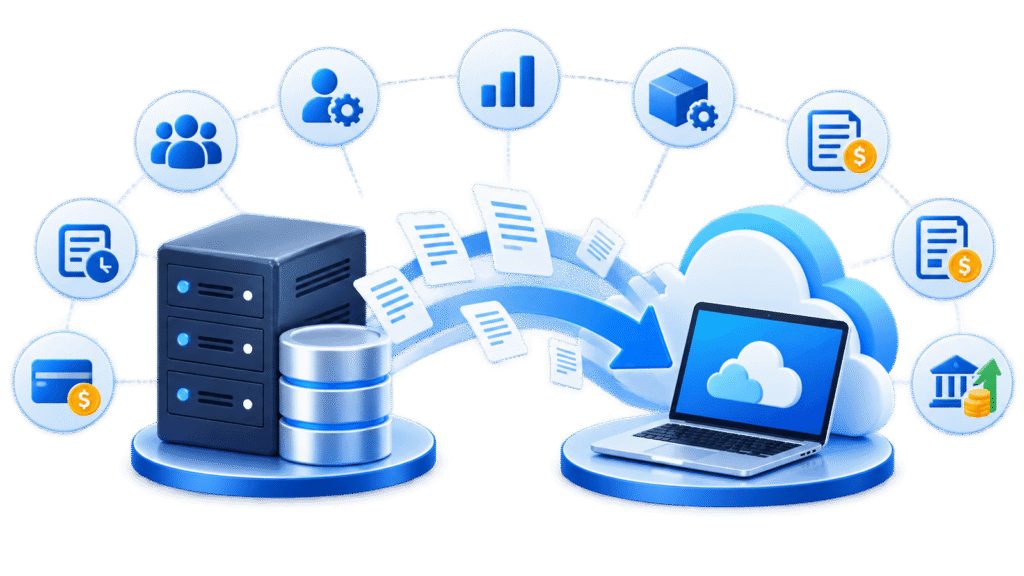
What Data Can Be Migrated?
A wide range of business and financial records can be transferred depending on the source and destination systems.
Common types of business data may include:
- Customer Records
- Vendor Records
- Chart of Accounts
- Products & Services
- Invoices & Bills
- Payments & Deposits
- Transaction History
- Account Balances
Transfer essential business and financial records, including customers, vendors, accounts, products, invoices, payments, transactions, and balances, into your new system in an organized and accurate manner.
Our Data Migration Process
A structured migration process can help make the transition easier and reduce errors.
Step 1: Initial Data Assessment
This may involve checking:
- What system is currently being used
- What system the business is moving to
- Which records need to be transferred
- How much historical data is required
- Whether any records should be excluded
- Whether duplicate records exist
- Whether the source data contains errors
- What file formats are available
- Whether custom fields need to be mapped
Step 2: Data Backup and Preparation
Data preparation may include:
- Exporting records
- Reviewing file formats
- Organizing spreadsheets
- Checking account names
- Removing obvious duplicates
- Identifying incomplete records
- Reviewing customer and vendor information
- Confirming transaction dates
- Checking opening balances
Step 3: Data Cleanup
Data cleanup may include:
- Removing duplicate customers
- Removing duplicate vendors
- Correcting spelling inconsistencies
- Standardizing names
- Updating outdated contact information
- Reviewing inactive accounts
- Correcting formatting problems
- Removing unnecessary entries
- Identifying incomplete records
Step 4: Data Mapping
Mapping can involve:
- Account mapping
- Customer mapping
- Vendor mapping
- Product mapping
- Tax mapping
- Payment mapping
- Transaction mapping
- Department mapping
- Category mapping
- Custom field mapping
Step 5: Data Transfer
The transfer method may depend on:
- Source system
- Destination system
- Available import tools
- File type
- Data volume
- Record complexity
- Historical data requirements
Step 6: Validation and Review
Data cleanup may include:
- Removing duplicate customers
- Removing duplicate vendors
- Correcting spelling inconsistencies
- Standardizing names
- Updating outdated contact information
- Reviewing inactive accounts
- Correcting formatting problems
- Removing unnecessary entries
- Identifying incomplete records
Step 7: Post-Migration Adjustments
Post-migration work may include:
- Correcting account mapping
- Updating opening balances
- Cleaning duplicate entries
- Reclassifying transactions
- Updating tax settings
- Organizing products
- Reviewing customer balances
- Reviewing vendor balances
Common Data Migration Challenges
Data migrations can involve a number of technical and organizational challenges.
Data migrations can involve a number of technical and organizational challenges.
Duplicate Records
Duplicate customer, vendor, product, or account records can appear when information has been entered differently over time.
These records may need to be identified before or after migration.
Missing Information
Older systems may contain incomplete records, missing contact information, or transactions with limited details.
Some missing information may need to be reviewed manually.
Different Account Structures
The source system and destination system may use different account structures.
Proper mapping is necessary to maintain logical financial organization.
Unsupported Fields
Some fields available in the old system may not exist in the new system.
These fields may need to be:
Renamed
Combined
Mapped differently
Exported separately
Excluded from the migration
Historical Data Limitations
Not every platform accepts the same amount or type of historical information.
In some cases, businesses may need to decide how much transaction history should be migrated.
Incorrect Balances
Incorrect source balances can carry into the destination system if they are not reviewed beforehand.
Balance verification is an important part of the process.
Formatting Differences
Dates, phone numbers, account numbers, addresses, and other fields may use different formats.
Formatting adjustments may be required before importing the information.
Complete the form and we’ll fix your issue
Contact us today to get started with your data migration.
Need help moving your business data to a new system? Get in touch with our team to discuss your migration requirements. We can help you plan, organize, transfer, and review your important records for a smoother transition with minimal disruption.
Keep Your Books Organized. Keep Your Business Moving.
Submit Your Request
Enter your name, phone number, and a brief description of the issue you’re experiencing.Get Matched with an Expert
Your request is routed to a support professional with experience relevant to your concern.Receive a Call Back
A support representative will call you to walk through the issue step by step and help resolve it efficiently.
Frequently Asked Questions
Data migration is the process of transferring business information from one system, platform, database, or file structure to another.
Depending on compatibility, migration may include customers, vendors, accounts, products, services, invoices, bills, payments, deposits, balances, and transaction history.
Historical records may be transferred when supported by the source and destination systems. The available level of history can vary depending on platform limitations.
Not always. Different systems organize information differently, so some records may require mapping, formatting changes, or post-migration adjustments.
Yes. Keeping a backup of the original business records is an important precaution before beginning any significant data transfer.
Speak to our Specialist | Talk to us : 1-800-614-1059 | Software Solutions Online

Rightbooks. specializes in providing businesses of all sizes with outsourced bookkeeping and accounting, payroll processing, taxation, and consultancy services.
- +1 (866) 782-8901
- info@rightbooksllc.com

Accounting Software Services
- Tax Preparation
- Accounts Payable
- Payroll Processing
- Accounts Receivable
- Financial Reporting
Software
- Software Consulting
- Software Data Migration
- Software File Issues
- Software Support Plans
- Software Training
Accounting & Bookkeeping Services
- QuickBooks Accounting Services
- Quicken Accounting Services
- Sage Accounting Services
- Xero Accounting Services
- NetSuite Accounting Services
- Freshbooks Accounting Services
- Zoho Accounting Services
Certified intuit Payroll Proadvisor
Certified intuit Payroll Proadvisor Have questions on QuickBooks Payroll? Get free help now from a QuickBooks Expert. Call +1 (866) 782-8901
Cloud Hosting
- QuickBooks Hosting
- Quicken Hosting
- Sage Hosting
- Xero Hosting
- NetSuite Hosting
- Freshbooks Hosting
- TurboTax Hosting
Copyright © 2026 – Rightbooks Powered By RightBooks

E-solution. specializes in providing businesses of all sizes with outsourced bookkeeping and accounting, payroll processing, taxation, and consultancy services.
- +1 (866) 782-8901
- info@rightbooksllc.com
Accounting Software Services
- Tax Preparation
- Accounts Payable
- Payroll Processing
- Accounts Receivable
- Financial Reporting
Software
- Software Consulting
- Software Data Migration
- Software File Issues
- Software Support Plans
- Software Training
Accounting & Bookkeeping Services
- QuickBooks Accounting Services
- Quicken Accounting Services
- Sage Accounting Services
- Xero Accounting Services
- NetSuite Accounting Services
- Freshbooks Accounting Services
- Zoho Accounting Services
Certified intuit Payroll Proadvisor
Certified intuit Payroll Proadvisor Have questions on QuickBooks Payroll? Get free help now from a QuickBooks Expert. Call +1 (866) 782-8901
Cloud Hosting
- QuickBooks Hosting
- Quicken Hosting
- Sage Hosting
- Xero Hosting
- NetSuite Hosting
- Freshbooks Hosting
- TurboTax Hosting
Copyright © 2026 – Rightbooks Powered By RightBooks