Talk to Us: +1 (800) 614-1059
Integration Help for Smooth Business Connections
Keep Your Financial Records Organized and Up to Date
Spend less time managing books and more time running your business
Connect your accounting system with the business tools you use every day. Get help with setup, configuration, syncing, account mapping, and integration-related connection issues.
- Third-party application setup
- CRM connections
- Payment platform integration
- eCommerce integration
- Payroll connections
- Inventory application connections


Integration Help for Smooth Business Connections
Connect your accounting system with the business tools you use every day. Get help with setup, configuration, syncing, account mapping, and integration-related connection issues.
Support for Intuit QuickBooks Desktop & Online
Install & upgrades, company file repairs, payroll updates, bank feeds, printing and every tough error in between. Get a real specialist on the first try.
- Installation & Setup Support
- Same‑day fixes
- Secure remote help
- Payroll & Tax Support
- Secure remote guidance
- Clear, step-by-step fixes






Have questions on QuickBooks Payroll? Get free help now from a QuickBooks Expert. Call +1-800-614-1059
Disclaimer: We are an independent third-party service provider offering assistance with software setup, integration, configuration, and related technical issues. We are not affiliated with, endorsed by, or sponsored by any software manufacturer or brand owner. All product names, trademarks, and logos belong to their respective owners. Services may vary depending on software compatibility, account access, and third-party application requirements.
Fix Integration and Sync Issues
Sometimes an integration may be connected, but data does not transfer correctly.
Common problems include:
Transactions Not Syncing
Data is not transferring properly between connected systems.
Missing Invoices
Some invoices may not appear after synchronization.
Duplicate Records
The same transaction or record may appear more than once.
Customer Data Not Updating
Customer details may remain outdated across connected platforms.
Payments Not Appearing
Payment information may fail to show in the accounting system.
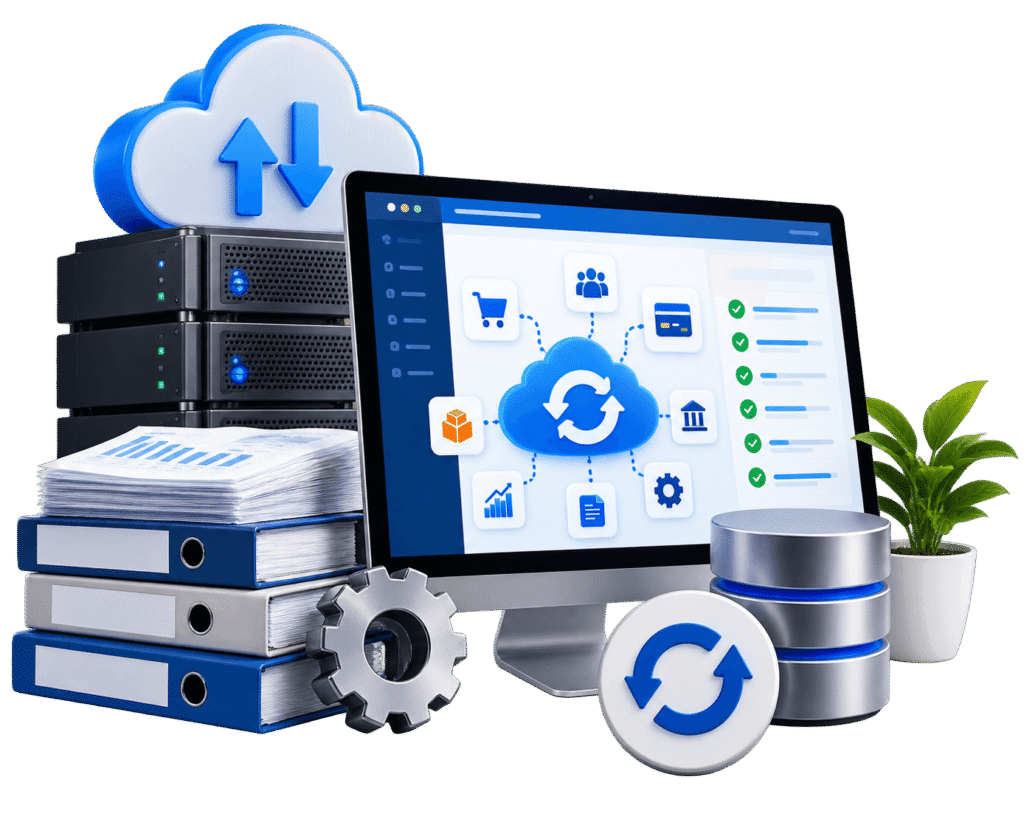
Help With New Integration Setup
Setting up a new connection correctly can help prevent future data problems.
- Application Authorization – Allow secure access between connected applications.
- Account Permissions – Set the right access levels for users and apps.
- Data Mapping – Match information correctly between both systems.
- Sync Preferences – Choose what data should sync and how often.
- Initial Connection Setup – Configure the first connection between platforms.
- Import Settings – Adjust how existing data is brought into the system.
- Integration Configuration – Set up the connection for smooth daily use.
Get Integration Help Today
- Integration Setup – Configure new connections between your business applications.
- Data Synchronization – Keep information updated across connected systems.
- Account Mapping – Match transactions with the correct accounts.
- Connection Errors – Identify and fix common connection problems.
- Missing Transactions – Find records that are not transferring correctly.
- Duplicate Records – Resolve repeated entries across connected platforms.
- CRM & eCommerce Integrations – Connect customer and online sales platforms smoothly.
- Payment & Banking Connections – Manage payment and banking data connections properly.

How Our Integration Help Works
A simple step-by-step process to identify integration issues, review settings, apply the right fixes, and confirm everything is working smoothly.
Step 1: Tell Us Your Integration Issue
Share which applications you are trying to connect and what problem you are experiencing.
Step 2: Review the Connection
We review settings, permissions, synchronization options, and account configuration.
Step 3: Fix the Integration Problem
Get guided assistance for connection errors, missing data, incorrect mapping, or sync issues.
Step 4: Verify Everything Is Working
Confirm that your connected systems are communicating and transferring information correctly.
Why Choose Us for Integration Help?
Fast Assistance
Get help without spending hours trying different settings on your own.
Experienced Guidance
Receive clear guidance for common integration, synchronization, and configuration problems.
Business-Focused Approach
We focus on keeping your business applications connected and your workflow organized.
Help With Multiple Integrations
Get assistance with CRM, payments, banking, eCommerce, inventory, and other compatible applications.
Simple Step-by-Step Guidance
Technical steps are explained in an easy and understandable way.
Connection & Sync Assistance
Get help with setup, missing data, duplicate records, permissions, and synchronization errors.
Complete the form and we’ll fix your issue
Need Integration Help? Let’s Talk
Get reliable guidance for integration setup, synchronization problems, connection errors, and configuration issues so your business applications can work together more smoothly and efficiently.
Need Help With an Integration?
Speak with a specialist and explain the issue you are experiencing. We can help you review the connection, understand the possible cause, and guide you through the available next steps.
- Help with new integration setup
- Assistance with connection errors
- Data sync and mapping guidance
- Support for compatible business applications
Frequently Asked Questions
Integration help assists with connecting two compatible business applications so they can exchange information correctly.
This may happen because of permission problems, expired authorization, incorrect settings, connection errors, or application updates.
Yes. Assistance can include connection setup, permissions, account mapping, sync preferences, and configuration.
Yes. Integration settings and synchronization behavior can be reviewed to identify why certain records are not transferring.
Duplicate records may occur when the same information is imported from multiple sources or when synchronization settings overlap.
Yes. We can help review authorization, permissions, account settings, and common connection problems.
Speak to our Specialist | Talk to us : 1-800-614-1059 | Software Solutions Online

Rightbooks. specializes in providing businesses of all sizes with outsourced bookkeeping and accounting, payroll processing, taxation, and consultancy services.
- +1 (866) 782-8901
- info@rightbooksllc.com

Accounting Software Services
- Tax Preparation
- Accounts Payable
- Payroll Processing
- Accounts Receivable
- Financial Reporting
Software
- Software Consulting
- Software Data Migration
- Software File Issues
- Software Support Plans
- Software Training
Accounting & Bookkeeping Services
- QuickBooks Accounting Services
- Quicken Accounting Services
- Sage Accounting Services
- Xero Accounting Services
- NetSuite Accounting Services
- Freshbooks Accounting Services
- Zoho Accounting Services
Certified intuit Payroll Proadvisor
Certified intuit Payroll Proadvisor Have questions on QuickBooks Payroll? Get free help now from a QuickBooks Expert. Call +1 (866) 782-8901
Cloud Hosting
- QuickBooks Hosting
- Quicken Hosting
- Sage Hosting
- Xero Hosting
- NetSuite Hosting
- Freshbooks Hosting
- TurboTax Hosting
Copyright © 2026 – Rightbooks Powered By RightBooks

E-solution. specializes in providing businesses of all sizes with outsourced bookkeeping and accounting, payroll processing, taxation, and consultancy services.
- +1 (866) 782-8901
- info@rightbooksllc.com
Accounting Software Services
- Tax Preparation
- Accounts Payable
- Payroll Processing
- Accounts Receivable
- Financial Reporting
Software
- Software Consulting
- Software Data Migration
- Software File Issues
- Software Support Plans
- Software Training
Accounting & Bookkeeping Services
- QuickBooks Accounting Services
- Quicken Accounting Services
- Sage Accounting Services
- Xero Accounting Services
- NetSuite Accounting Services
- Freshbooks Accounting Services
- Zoho Accounting Services
Certified intuit Payroll Proadvisor
Certified intuit Payroll Proadvisor Have questions on QuickBooks Payroll? Get free help now from a QuickBooks Expert. Call +1 (866) 782-8901
Cloud Hosting
- QuickBooks Hosting
- Quicken Hosting
- Sage Hosting
- Xero Hosting
- NetSuite Hosting
- Freshbooks Hosting
- TurboTax Hosting
Copyright © 2026 – Rightbooks Powered By RightBooks